
A frontend developer is the creative architect behind everything users see and interact with on a website or web application. From the vibrant visuals to seamless user interactions, frontend development combines creativity and technology to bring digital experiences to life. In the simplest terms, while backend developers handle data and server-side logic, frontend developers craft what users experience directly in their browsers.
Frontend development is not just about making a site look appealing. It’s about making it functional, responsive, and accessible. The field has evolved rapidly with the introduction of powerful tools, frameworks, and design methodologies. A decade ago, static HTML and basic CSS might have been enough, but today, modern web apps require mastery of JavaScript frameworks, responsive layouts, accessibility standards, and performance optimization.
Frontend developers act as the bridge between design and technology. They translate creative concepts from UI/UX designers into interactive experiences using code. For example, a sleek e-commerce product page might include animation effects powered by JavaScript, grid layouts handled by CSS, and semantic HTML for SEO and accessibility.
The importance of frontend developers in the digital ecosystem is immense. They ensure websites are intuitive, load quickly, and adapt to various devices. In today’s multi-device world, users expect pixel-perfect interfaces that respond instantly. A slow, unresponsive, or poorly designed site can drive visitors away in seconds.
As of 2025, the frontend landscape continues to evolve with new technologies like AI-assisted development, WebAssembly, and headless CMS integrations. These advancements are pushing the boundaries of what’s possible on the web. Frontend developers are now expected to collaborate closely with backend teams, designers, and even data scientists to deliver holistic, data-driven web experiences.
In essence, becoming a successful frontend developer requires not just technical skills, but also creativity, problem-solving abilities, and an eye for design. Whether you’re building a portfolio site, a SaaS dashboard, or a large-scale e-commerce platform, your role as a frontend developer is to ensure the user’s journey is smooth, engaging, and efficient.
The Core Building Blocks: HTML, CSS, and JavaScript
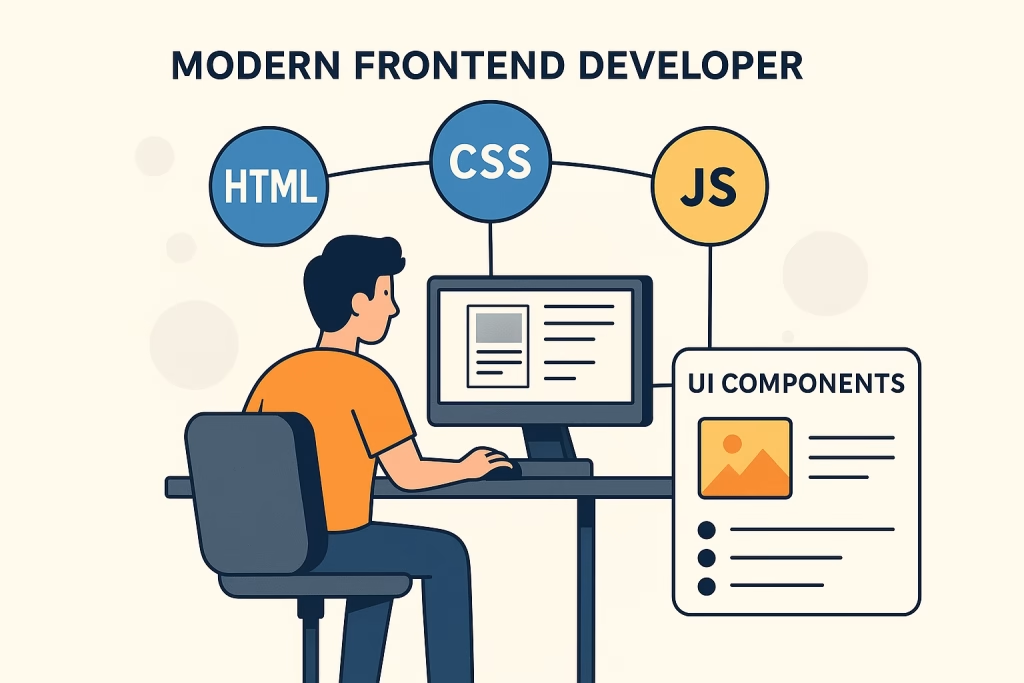
Every website, no matter how complex, is built upon three foundational technologies: HTML, CSS, and JavaScript. Together, these form the holy trinity of frontend development.
HTML (HyperText Markup Language) provides the structure. It defines the layout of a web page using elements such as headings, paragraphs, images, and links. Modern HTML5 introduced semantic tags like <header>, <footer>, <section>, and <article>, which make web pages more meaningful to both browsers and assistive technologies like screen readers.
CSS (Cascading Style Sheets) handles styling and visual presentation. It allows developers to control colors, fonts, spacing, and overall aesthetics. With advanced layout systems like Flexbox and CSS Grid, developers can now create complex, responsive layouts with minimal code. CSS has also evolved through preprocessors like Sass and Less, which add programming-like features such as variables, nesting, and mixins.
Finally, JavaScript adds life and interactivity to static web pages. It enables dynamic behavior like form validation, animations, data fetching, and user input handling. Modern JavaScript (ES6 and beyond) includes features such as arrow functions, classes, modules, and asynchronous programming (Promises and async/await), making code cleaner and more efficient.
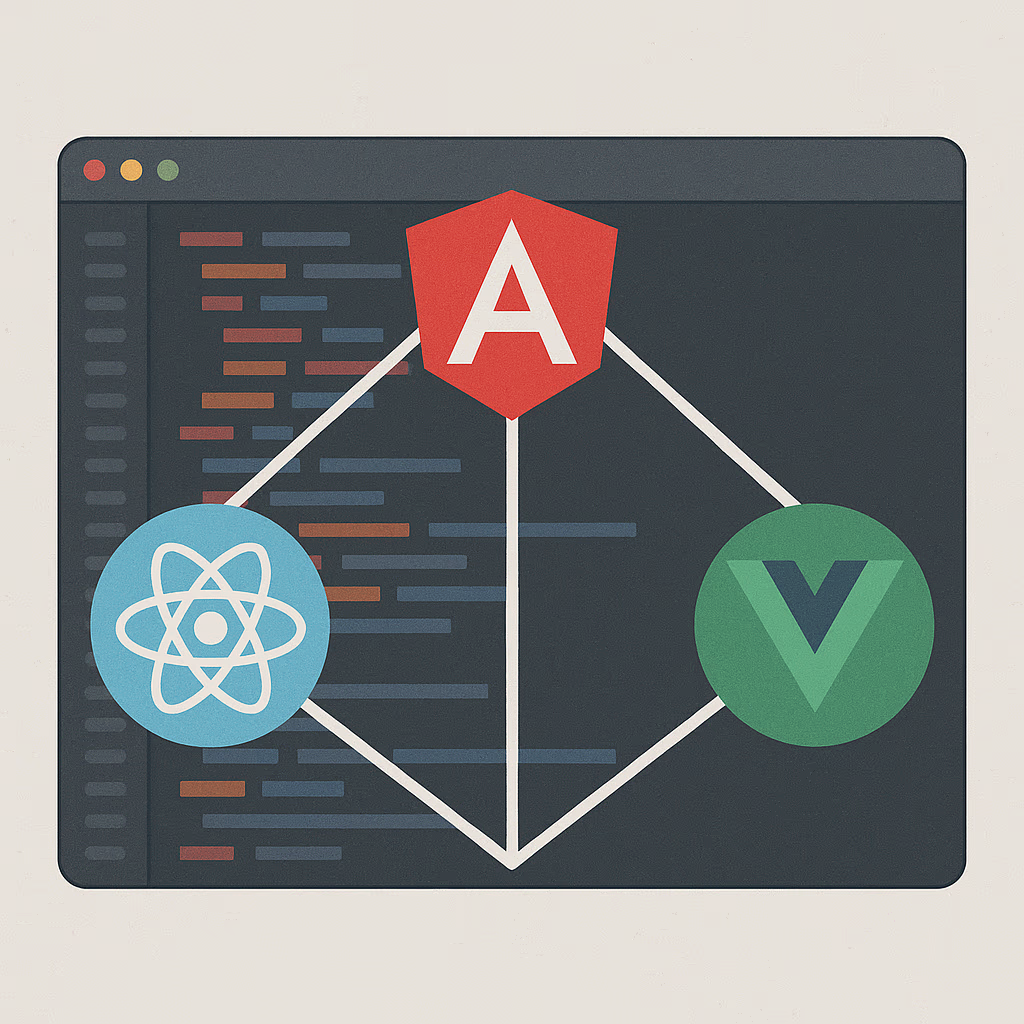
Frontend developers also rely on JavaScript frameworks like React, Angular, and Vue.js to streamline development. These frameworks provide reusable components, virtual DOM management, and efficient state handling for building scalable web apps.
Together, these three technologies create the magic users experience. For instance, HTML forms the skeleton, CSS styles the bones, and JavaScript adds the muscles that allow it to move. Mastering this trio is the first step toward becoming a proficient frontend developer.
Understanding UI/UX Design Principles
A truly great frontend developer is not only fluent in code but also understands UI/UX design principles the art and science of crafting intuitive, visually appealing, and user-centered interfaces. While HTML, CSS, and JavaScript bring functionality, UI/UX design ensures that functionality feels seamless and delightful to the user.
UI (User Interface) design focuses on the visual aspects of a website or application colors, typography, buttons, layouts, and interactive elements. UX (User Experience), on the other hand, emphasizes how users interact with the product, ensuring smooth navigation and minimal friction from one step to another. Together, they define the way users perceive and interact with a digital experience.
The Role of Frontend Developers in UI/UX
While UI/UX designers usually provide prototypes or mockups using tools like Figma or Adobe XD, it’s the frontend developer’s job to bring those designs to life pixel by pixel. But it doesn’t stop at replication. Developers must interpret the design, ensuring the final implementation respects usability and accessibility standards. Sometimes, developers identify design flaws such as low color contrast or inaccessible interactions and offer solutions.
A frontend developer with a solid grasp of UI/UX design can anticipate user needs. For example, they might implement hover effects, transitions, or micro-interactions that guide user attention and enhance the interface’s interactivity. These subtle enhancements when done correctly make the interface feel more responsive and “alive,” increasing user satisfaction and retention.
Core UI/UX Design Principles Every Developer Should Know
- Consistency – Elements such as buttons, icons, and typography should behave and look the same throughout the interface. Consistency helps users learn and predict interactions quickly.
- Visual Hierarchy – Users scan web pages from top to bottom, left to right. By varying size, color, and placement, developers can draw attention to important content.
- Simplicity – A cluttered interface overwhelms users. Keeping designs clean, with enough white space and focus on essential elements, leads to better engagement.
- Accessibility – All users are including those with disabilities should be able to interact with your site. This means following WCAG guidelines, adding proper ARIA labels, ensuring text contrast, and making sites navigable via keyboard.
- Feedback and Interactivity – Visual cues (like button animations or progress bars) reassure users that the system is responding to their actions.
Why UI/UX Design Matters for Frontend Developers?
Poor design leads to frustrated users, high bounce rates, and lost revenue. On the other hand, strong UI/UX design builds trust and engagement. For instance, an e-commerce checkout form that provides instant validation feedback reduces cart abandonment rates significantly.
Frontend developers also need to consider responsive and adaptive design, ensuring that UI elements resize, reposition, and remain functional across devices from desktops to smartphones. With over 60% of global traffic coming from mobile devices in 2025, mastering mobile-first design isn’t optional, it’s essential.
Moreover, understanding user psychology is increasingly valuable. Developers who know how users perceive layouts, colors, and motion can create interfaces that subtly guide them toward desired actions, like completing a purchase or signing up for a newsletter.
In short, frontend developers are co-creators of the user experience, not just coders. By blending design sensitivity with technical precision, they transform static layouts into living, breathing digital environments that users love to engage with.

Responsive Web Design and Mobile-First Approach
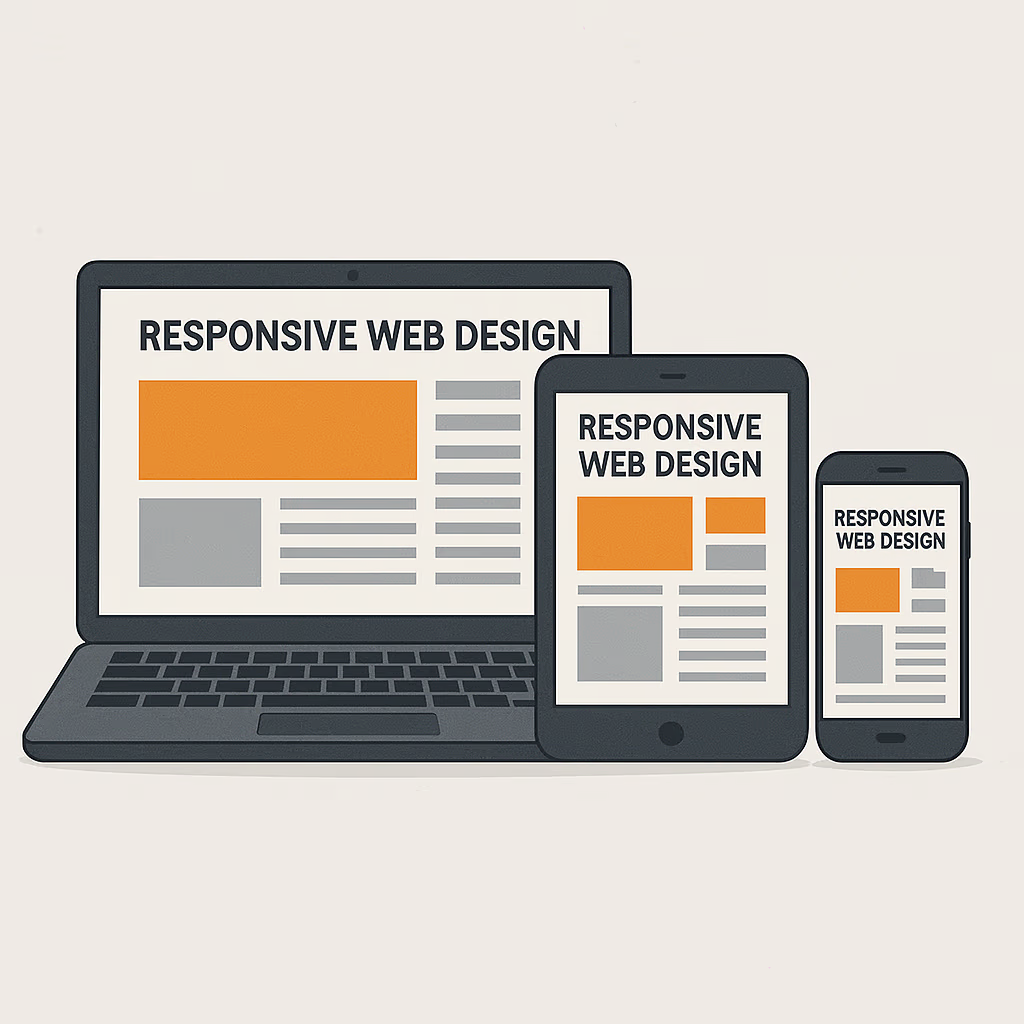
In today’s digital ecosystem, responsive web design has evolved from an optional skill to a fundamental requirement for every frontend developer. As the number of devices and screen sizes continues to grow, developers must ensure their websites and web applications deliver consistent experiences across desktops, tablets, and smartphones. This section dives deep into the principles of responsive design and the increasingly essential mobile-first approach that drives modern UI development.
The Evolution of Responsive Design
Responsive web design (RWD) emerged as a solution to the growing problem of device fragmentation. Before the concept became mainstream, websites were typically designed for fixed screen widths, often optimized only for desktop users. As mobile browsing skyrocketed especially after 2010 developers realized they needed a way to make sites adapt automatically to different screen sizes and orientations.
The solution came with a combination of flexible layouts, fluid grids, and CSS media queries. These techniques allow a single website to dynamically adjust its structure based on the device’s viewport size. Rather than building multiple separate websites for each device, developers could now design one flexible layout that serves all.
In 2025, responsive design isn’t just a trend, it’s the standard. Search engines like Google even prioritize mobile-friendly sites in their ranking algorithms, making responsive design a core element of SEO and user experience.
The Mobile-First Philosophy
The mobile-first approach flips traditional design thinking on its head. Instead of designing for desktop first and then shrinking down, developers start with the smallest screen size and progressively enhance the experience for larger ones. This ensures that essential content and functionality are prioritized for mobile users, who now account for over 60% of global web traffic.
A mobile-first mindset forces developers to focus on content hierarchy, simplicity, and performance. By building a solid foundation for mobile, developers naturally avoid clutter and optimize code efficiency. Then, using progressive enhancement, they add advanced features and visuals for larger screens, ensuring every user gets the best experience possible regardless of device.
Techniques and Tools for Responsive Frontend Development
Frontend developers use several modern CSS techniques and frameworks to achieve responsive layouts:
CSS Flexbox and Grid: These two layout systems revolutionized how developers handle page structure. Flexbox is ideal for one-dimensional layouts (like navigation bars or card lists), while CSS Grid handles two-dimensional layouts (complex page grids and dashboard designs).
Media Queries: The backbone of responsive design, media queries allow developers to apply different CSS rules based on screen width, orientation, or resolution. For instance:
@media (max-width: 768px) {
  .sidebar {
    display: none;
  }
}
Fluid Typography and Images: Using relative units like em, rem, or percentages instead of fixed pixels ensures text and media scale naturally across devices.
Frameworks like Bootstrap and Tailwind CSS: These pre-built libraries simplify responsive design by offering mobile-first grid systems, components, and utilities that adapt automatically.
Challenges in Responsive Design
While responsive design solves many problems, it also introduces new complexities. Testing layouts across a vast range of devices and browsers can be time-consuming. Developers must handle cross-browser compatibility, optimize for different pixel densities, and ensure interactive elements remain usable on touchscreens.
Performance is another key challenge. Large images, animations, and scripts can slow down mobile experiences. Hence, optimizing web performance using image compression, code minification, and caching are an integral part of responsive development.
The Future of Responsive Design
As new devices such as foldable phones, smart TVs, and wearables continue to appear, responsive design principles are adapting once again. Developers are increasingly relying on container queries and design tokens to create truly modular and scalable designs. Moreover, advancements in AI-assisted design tools are beginning to automate layout adjustments based on real-time analytics.
In essence, responsive web design and the mobile-first approach ensure inclusivity and accessibility in the modern digital age. They empower frontend developers to deliver seamless, device-agnostic experiences that enhance usability, engagement, and trust.
Cross-Browser Compatibility and Performance Optimization
In the complex landscape of web development, two crucial aspects define the success of a frontend developer’s work: cross-browser compatibility and performance optimization. These ensure that a website looks and performs consistently across different browsers, devices, and operating systems while maintaining lightning-fast load times and smooth user interactions. Let’s explore both in detail.
Understanding Cross-Browser Compatibility
Cross-browser compatibility refers to the practice of making sure a website or web application functions correctly on all major browsers such as Chrome, Firefox, Safari, Edge, and Opera as well as older versions that users may still rely on. Each browser interprets HTML, CSS, and JavaScript slightly differently, which can lead to inconsistencies in layout, behavior, or design.
For example, a CSS property that looks perfect in Chrome might render slightly off in Safari or not work at all in Internet Explorer. To avoid such issues, frontend developers must be meticulous in how they write and test their code.
Common Cross-Browser Challenges
- CSS Inconsistencies – Certain browsers may interpret box models, flexbox alignments, or grid layouts differently. Developers use browser prefixes (e.g.,
-webkit-,-moz-,-o-) or autoprefixing tools to ensure support across all engines. - JavaScript Compatibility – Older browsers may not support newer JavaScript features like ES6 syntax or APIs. Tools such as Babel help by transpiling modern code into versions compatible with older browsers.
- Rendering Differences – Fonts, colors, and animations may display inconsistently. Using standardized web-safe fonts and CSS resets can help maintain visual uniformity.
- Testing Across Devices – Responsive design adds another layer of complexity since the site must not only be functional across browsers but also across screen sizes and operating systems.
Best Practices for Cross-Browser Development
- Use Modern CSS Resets: Normalize styles across browsers with tools like
normalize.css. - Progressive Enhancement: Build core functionality first, then layer on advanced features for browsers that support them.
- Automated Testing Tools: Services like BrowserStack or LambdaTest allow developers to test across hundreds of browser-device combinations.
- Feature Detection: Instead of checking for specific browsers, use tools like Modernizr to detect whether a feature is supported and adjust functionality accordingly.
Ensuring cross-browser compatibility not only enhances usability but also protects the brand image. A broken interface or misaligned layout can instantly reduce user trust and lead to higher bounce rates.
Performance Optimization: Speed Matters
Even if a website looks stunning, users won’t stick around if it’s slow. Studies show that a one-second delay in page load time can reduce conversions by up to 7%. Performance optimization ensures your website loads fast and runs efficiently, delivering a superior user experience.
Key Areas of Web Performance Optimization
- Minimize HTTP Requests – Combine and compress CSS, JavaScript, and image files to reduce the number of server calls.
- Use a Content Delivery Network (CDN) – CDNs like Cloudflare or Akamai distribute content across global servers, ensuring faster access for users regardless of their location.
- Optimize Images – Large, uncompressed images can drastically slow down load times. Use modern formats like WebP or AVIF and compression tools like TinyPNG or ImageOptim.
- Code Minification – Removing unnecessary spaces, comments, and line breaks from CSS and JS files can significantly reduce file size.
- Lazy Loading – Load only the images or elements visible in the user’s viewport, and defer others until needed.
- Leverage Browser Caching – Store static resources locally in the user’s browser so they don’t need to reload every time the user visits the site.
- Optimize JavaScript Execution – Avoid blocking scripts and use asynchronous or deferred loading where possible. This ensures the page content appears before heavier scripts finish loading.
Tools for Performance Testing
Frontend developers rely on tools like Google Lighthouse, PageSpeed Insights, and GTmetrix to identify performance bottlenecks. These platforms analyze various metrics such as First Contentful Paint (FCP), Time to Interactive (TTI), and Largest Contentful Paint (LCP) and offer actionable suggestions for improvement.
Performance and User Experience
A fast website does more than improve technical scores it enhances user satisfaction and SEO rankings. Google’s Core Web Vitals now directly influence search visibility, meaning optimized sites rank higher and attract more organic traffic.
Developers should adopt a performance-first mindset from the start of a project. Instead of optimizing at the end, they should integrate optimization strategies throughout the development process. This includes writing clean, modular code, using modern build tools like Webpack or Vite, and regularly profiling site performance.
Cross-browser compatibility and performance optimization form the backbone of a robust frontend development strategy. A visually appealing site that fails to function consistently or load efficiently across browsers risks alienating users and damaging credibility. On the other hand, a site that’s well-optimized and universally accessible establishes trust, boosts engagement, and reflects professionalism.
In 2025 and beyond, as browsers evolve and users’ expectations rise, mastering these two disciplines remains essential for every frontend developer who aims to build fast, accessible, and future-proof web experiences.
The Role of JavaScript Frameworks and Libraries
JavaScript has evolved from a simple scripting language used to add interactivity to web pages into one of the most powerful programming languages driving modern web applications. For frontend developers, mastering JavaScript frameworks and libraries has become essential for creating scalable, maintainable, and high-performance applications. This section explores the importance, features, and ecosystem of major JavaScript frameworks such as React, Angular, and Vue.js and how they’ve transformed the way frontend development works today.
Why Frameworks and Libraries Matter
Building large-scale web applications from scratch with vanilla JavaScript can be time-consuming and error-prone. As applications grow in complexity requiring data management, state handling, routing, and component reusability developers need structured approaches. Frameworks and libraries simplify development by providing predefined patterns, components, and utilities that make code more organized and efficient.
In essence:
- A library (like React) offers tools and utilities to help developers build apps more efficiently.
- A framework (like Angular or Vue.js) provides a full architectural structure, dictating how your app should be built.
By using these tools, frontend developers can focus on business logic and user experience, instead of reinventing the wheel for basic functionalities like data binding, DOM manipulation, and event handling.
React: The Dominant Player
React, developed by Facebook (now Meta), has become the industry standard for building user interfaces. It introduced a revolutionary concept called the Virtual DOM, which efficiently updates and renders components as data changes resulting in faster performance.
React’s strength lies in its component-based architecture. Developers build reusable UI components that manage their own state, which can be composed to create complex interfaces. This modularity leads to cleaner, more maintainable code.
Key benefits of React include:
- JSX Syntax – A syntax extension that allows developers to write HTML-like structures in JavaScript.
- Reusable Components – Promotes consistency across large projects.
- Strong Community and Ecosystem – With libraries like React Router for navigation and Redux or Recoil for state management.
- React Native – Enables developers to create cross-platform mobile apps using the same React principles.
React’s flexibility also means it can integrate with other tools and frameworks easily, making it ideal for everything from simple websites to complex SPAs (Single Page Applications).
Angular: The All-in-One Framework
Angular, developed by Google, is a full-fledged MVC (Model-View-Controller) framework that provides everything a developer needs out of the box from routing and forms to HTTP services and dependency injection. Unlike React, Angular doesn’t rely heavily on third-party packages because it comes with built-in features.
Angular uses TypeScript, a statically typed superset of JavaScript that enhances code maintainability and reduces runtime errors. This makes Angular particularly suited for large enterprise applications where structure and scalability are critical.
Key features include:
- Two-Way Data Binding – Synchronizes data between the model and the view automatically.
- Dependency Injection – Makes code more modular and testable.
- Reactive Programming with RxJS – Enables better handling of asynchronous data streams.
- CLI (Command Line Interface) – Simplifies project setup, scaffolding, and deployment.
Angular’s steep learning curve is often balanced by its power and comprehensiveness. Once mastered, it allows teams to develop robust, production-ready applications with excellent performance and consistency.
Vue.js: The Progressive Framework
Vue.js is known as the “progressive framework” because it’s designed to be incrementally adoptable. Created by Evan You, Vue combines the best aspects of both React and Angular while maintaining simplicity and flexibility.
Its template-based syntax and reactive data binding system make it easy to learn for beginners while remaining powerful enough for complex projects. Vue’s single-file components, where HTML, CSS, and JavaScript coexist in one file, streamline development and improve maintainability.
Advantages of Vue include:
- Ease of Integration – Perfect for integrating into existing projects or building new ones from scratch.
- Lightweight and Fast – Its small size makes loading times quicker.
- Excellent Documentation – Clear, concise, and beginner-friendly.
- Vuex and Vue Router – Offer robust solutions for state management and navigation.
Vue’s popularity continues to rise, especially among startups and small to medium-sized teams seeking agility without the complexity of Angular.
Choosing the Right Framework
The choice between React, Angular, and Vue depends on project requirements, team expertise, and scalability needs:
- Choose React for flexibility, reusability, and large ecosystems.
- Choose Angular for full-scale, enterprise-grade applications.
- Choose Vue for simplicity, rapid development, and integration ease.
However, beyond these three giants, newer frameworks like Svelte, Next.js, and Nuxt.js are gaining momentum. These focus on server-side rendering (SSR), static site generation (SSG), and performance improvements reflecting the ongoing evolution of frontend development.
The Future of JavaScript Frameworks
As of 2025, the trend is shifting toward meta-frameworks that enhance developer productivity and performance. For example, Next.js (built on React) simplifies SEO and SSR, while SvelteKit offers blazing-fast build times with minimal runtime overhead.
AI-assisted coding tools are also beginning to integrate into frameworks, enabling intelligent code suggestions and component generation. These innovations promise to make frontend development even more efficient and accessible.
In summary, JavaScript frameworks and libraries are the backbone of modern frontend development. They empower developers to build interactive, responsive, and scalable applications with minimal effort. Mastering them is no longer optional it’s the defining skill that separates good frontend developers from great ones.
CSS Preprocessors and Frameworks: Sass, Less, and Bootstrap
When it comes to crafting beautiful, responsive, and maintainable user interfaces, CSS (Cascading Style Sheets) serves as the stylistic backbone of frontend development. However, as web applications grow in complexity, managing large CSS files becomes challenging. This is where CSS preprocessors and frameworks come into play. Tools like Sass, Less, and Bootstrap empower frontend developers to write cleaner, more scalable, and more efficient stylesheets while maintaining consistency across projects.
The Challenge with Traditional CSS
While CSS is powerful, it has some inherent limitations such as a lack of variables, functions, and modularity. Writing plain CSS for large projects often leads to:
- Repetition of code (e.g., the same colors or margins used across multiple selectors),
- Poor maintainability as the project grows,
- Difficulty in organizing and scaling styles, and
- Inconsistent styling due to human error.
Preprocessors like Sass and Less solve these problems by introducing programming-like features to CSS, allowing developers to write logic-based and structured style rules.
Sass: The King of CSS Preprocessors
Sass (Syntactically Awesome Style Sheets) is the most popular and widely adopted CSS preprocessor. It enhances the capabilities of CSS by adding variables, nesting, mixins, inheritance, and functions, turning your stylesheets into something far more powerful and modular.
Key features include:
Variables – Store reusable values for colors, fonts, and dimensions.
$primary-color: #007bff;
$font-stack: 'Roboto', sans-serif;

body {
  font-family: $font-stack;
  color: $primary-color;
}
This reduces redundancy and ensures global consistency.
Nesting – Lets developers write CSS hierarchically, mimicking HTML structure.
nav {
  ul {
    list-style: none;
    li {
      display: inline-block;
    }
  }
}
Mixins and Functions – Reuse blocks of styles or logic.
@mixin flex-center {
  display: flex;
  justify-content: center;
  align-items: center;
}

.header {
  @include flex-center;
}
Partial Files and Imports – Split styles into multiple files and import them, improving organization.
Sass is now a standard in modern frontend workflows. It integrates seamlessly with build tools like Webpack, Vite, and Gulp, making it part of most professional development setups.
Less: Lightweight and Developer-Friendly
Less (Leaner Style Sheets) was one of the first preprocessors to gain popularity before Sass became dominant. Written in JavaScript, Less offers similar features variables, mixins, and nesting but it is easier to set up and integrates directly into web projects without extensive configuration.
For example:
@primary: #4CAF50;

.button {
  color: white;
  background-color: @primary;
  &:hover {
    background-color: darken(@primary, 10%);
  }
}
Less is still widely used in legacy systems and smaller projects, especially where simplicity and quick integration matter more than advanced capabilities. It’s less feature-rich than Sass but remains an excellent choice for rapid styling.
Bootstrap: The Framework That Changed the Web
If Sass and Less are about writing better CSS, then Bootstrap is about accelerating frontend design altogether. Originally developed by Twitter, Bootstrap is the world’s most popular CSS framework. It provides prebuilt responsive components like navigation bars, buttons, grids, modals, and carousels allowing developers to create professional-looking websites with minimal effort.
Core Features of Bootstrap
- Responsive Grid System – A 12-column layout system built on Flexbox and CSS Grid ensures fluid designs that adapt to any device.
- Pre-Styled Components – Includes UI elements like alerts, badges, cards, dropdowns, and more.
- Utility Classes – Simplifies spacing, typography, and alignment adjustments without writing custom CSS.
- Customization with Sass – The latest versions of Bootstrap are written in Sass, enabling developers to modify variables and theme elements efficiently.
Bootstrap not only speeds up development but also ensures cross-browser consistency, saving developers from tedious styling and debugging across multiple platforms.
The Power of Combining Sass and Bootstrap
A common modern workflow involves using Bootstrap with Sass. Developers can import only the necessary Bootstrap components, override default variables, and customize the framework’s design system to match brand aesthetics. This hybrid approach strikes the perfect balance between flexibility and efficiency.
Example:
$primary: #ff5722;
@import "bootstrap";

.btn-custom {
  background-color: $primary;
  border-radius: 8px;
}
This simple customization results in a unique, brand-consistent interface without rewriting Bootstrap’s entire codebase.
The Role of Preprocessors and Frameworks in Modern Frontend
Today’s web applications demand rapid iteration and scalable design systems. CSS preprocessors and frameworks help maintain a clean, modular architecture critical for collaboration among large development teams.
Moreover, as design systems (like Google’s Material Design or IBM’s Carbon) gain traction, tools like Sass and Bootstrap make it easier to implement and manage consistent brand guidelines across multiple projects.
Looking Ahead: The Future of CSS
While Sass and Less remain powerful, native CSS continues to evolve. Features like CSS variables, nesting, and container queries are now being integrated directly into browsers reducing reliance on preprocessors. However, preprocessors still offer unmatched flexibility for complex projects, making them invaluable in 2025 and beyond.
In conclusion, CSS preprocessors and frameworks are not just conveniences they are essential tools in every frontend developer’s arsenal. They streamline workflows, enforce design consistency, and enable developers to write efficient, maintainable code that scales effortlessly across projects.
Accessibility and Web Standards
One of the most important yet often overlooked responsibilities of a frontend developer is ensuring that websites and web applications are accessible to everyone including people with disabilities. Accessibility isn’t just a nice to have feature; it’s a fundamental requirement for building inclusive digital experiences that comply with international web standards. This section explores the importance of accessibility, best practices, tools, and how adhering to web standards benefits both users and developers.
What Is Web Accessibility?
Web accessibility (often abbreviated as a11y) refers to designing and developing digital products so that people with varying physical, cognitive, auditory, and visual abilities can use them effectively. An accessible website allows users to perceive, navigate, and interact with content regardless of the device or assistive technology they use such as screen readers, keyboard navigation, or speech input tools.
Accessibility is guided by the Web Content Accessibility Guidelines (WCAG), established by the World Wide Web Consortium (W3C). These standards define how to make web content more inclusive under four core principles:
- Perceivable – Users must be able to perceive information and interface components.
- Operable – Users must be able to interact with interface elements.
- Understandable – Content and navigation must be clear and predictable.
- Robust – Content must be compatible with assistive technologies and future tools.
In short, accessibility ensures that the web is usable by all people, including those with disabilities.
Why Accessibility Matters
Beyond ethics, accessibility carries significant legal, social, and business implications. Many countries now enforce accessibility compliance under laws like the Americans with Disabilities Act (ADA) or the European Accessibility Act. Non-compliance can result in lawsuits and financial penalties.
From a business standpoint, accessibility expands your potential audience. Over 1 billion people worldwide live with some form of disability. Making websites accessible not only supports inclusion but also improves usability for everyone. For instance:
- Captions help people with hearing impairments but also benefit users in noisy environments.
- High-contrast text aids those with low vision but also enhances readability in bright sunlight.
- Keyboard navigation helps users with mobility impairments and power users who prefer shortcuts.
Accessibility also contributes to SEO and performance optimization. Search engines like Google reward well-structured, semantic HTML and properly labeled images both of which are accessibility best practices.
Practical Accessibility Techniques
Frontend developers can integrate accessibility at every stage of the development process. Here are key techniques to follow:
Use Semantic HTML: Tags like <header>, <main>, <nav>, and <footer> give meaning to content, making it easier for assistive technologies to interpret. Avoid using <div> or <span> for elements that have a semantic equivalent.
Provide Alternative Text: Every image should include an alt attribute describing its purpose or content.
<img src="team-photo.jpg" alt="Team of web developers collaborating at a laptop">Ensure Keyboard Accessibility: All interactive elements (links, buttons, forms) must be navigable via keyboard using the Tab key and activated with Enter or Space.
Use ARIA (Accessible Rich Internet Applications) Roles: ARIA attributes communicate the role, state, or property of an element to assistive technologies.
<button aria-label="Close menu">×</button>Maintain Color Contrast: Text and background colors should meet contrast ratios defined by WCAG (at least 4.5:1 for normal text).
Avoid Motion Overload: Limit animations or provide an option to disable them for users with vestibular disorders.
Provide Form Labels and Instructions: Ensure every form field has a corresponding <label> and descriptive placeholder text.
Responsive and Scalable Text: Allow users to resize text up to 200% without breaking layout or functionality.
By following these principles, frontend developers create experiences that serve every user not just those using the latest devices or browsers.
Tools and Testing for Accessibility
Accessibility testing should be integrated into every stage of development. Common tools include:
- Lighthouse (Chrome DevTools): Audits accessibility, performance, and SEO automatically.
- axe DevTools: Browser extension for in-depth accessibility testing.
- WAVE: Visual accessibility checker that highlights issues directly on the webpage.
- NVDA and VoiceOver: Screen readers that simulate how users with visual impairments navigate content.
Testing should be both automated and manual. While tools catch many issues, real-world usability testing with assistive technology users is invaluable.
Web Standards and Why They Matter
Web standards are formal guidelines that ensure consistency and interoperability across the internet. They’re maintained by organizations like the W3C and WHATWG (Web Hypertext Application Technology Working Group). These standards govern how HTML, CSS, and JavaScript should behave, helping developers build web pages that render predictably across browsers and devices.
Adhering to standards ensures:
- Cross-browser compatibility
- Better performance and security
- Future-proof designs
- Reduced maintenance costs
When developers follow standards, they contribute to a more stable and reliable web ecosystem.
The Business and Ethical Value of Accessibility
Building accessible, standards-compliant websites isn’t just about meeting legal obligations it’s about doing the right thing. It reflects empathy, professionalism, and technical excellence. In fact, accessibility is now seen as a measure of a brand’s ethical credibility. Companies that prioritize inclusivity foster positive brand reputation, customer loyalty, and wider reach.
As technology evolves with the integration of AI-driven interfaces, voice assistants, and AR/VR experiences accessibility will continue to expand into new territories. Frontend developers must stay updated with modern accessibility practices to ensure no user is left behind.
In conclusion, accessibility and web standards are at the heart of great frontend development. By designing with inclusion in mind and adhering to established best practices, developers ensure that the web remains open, usable, and equitable for all. Accessibility isn’t an afterthought it’s a foundation of modern, human-centered design.

Version Control and Collaboration Tools
In modern frontend development, working effectively within a team environment is just as important as writing efficient code. This is where version control systems (VCS) and collaboration tools become indispensable. They allow developers to manage project changes, track revisions, collaborate seamlessly, and maintain code integrity throughout the development lifecycle.
For frontend developers, mastering tools like Git, GitHub, GitLab, and Bitbucket is essential for smooth teamwork, project management, and deployment. Let’s dive deep into how these systems work, why they matter, and how they shape professional development workflows.
Understanding Version Control Systems
A version control system is a tool that records changes made to files (code, documents, configuration files, etc.) over time so developers can recall specific versions later. Instead of manually saving different file versions (like index_v1.html, index_final.html), version control automatically tracks every modification.
The most widely used VCS today is Git, created by Linus Torvalds in 2005. It has since become the industry standard due to its speed, flexibility, and distributed nature.
Here’s how Git works conceptually:
- Local Repository: Every developer has a complete copy of the project and its history on their local machine.
- Commits: Each saved change (commit) creates a snapshot of the project.
- Branches: Developers can create separate branches to work on features or fixes independently.
- Merging: Once a feature is complete, it can be merged back into the main branch.
This decentralized workflow means developers can experiment freely without affecting the main project until changes are approved and merged.
Key Benefits of Using Version Control
- Change Tracking and History: Every change made to the codebase is recorded, allowing you to revert to earlier versions or identify who made a specific change.
- Collaboration and Parallel Development: Multiple developers can work simultaneously on different features or bug fixes without interfering with each other’s code.
- Backup and Recovery: Even if a local copy is lost, remote repositories ensure the project remains safe.
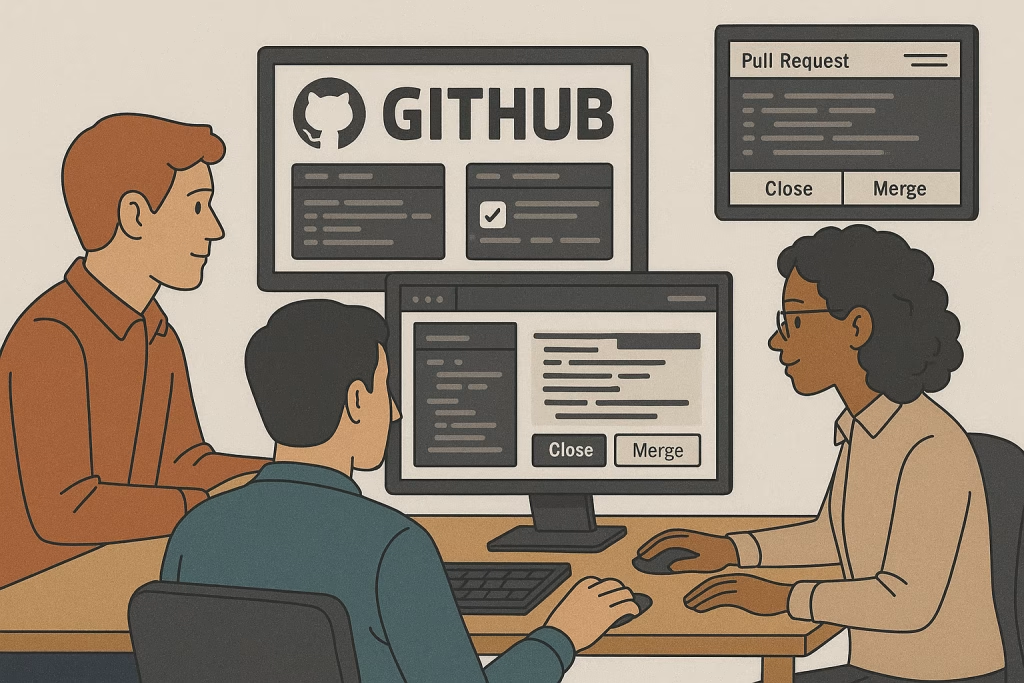
- Code Review and Quality Control: Git-based platforms provide pull requests (PRs) or merge requests (MRs) that allow teams to review and comment on changes before integration.
- Experimentation with Branches: Developers can create temporary branches for new ideas, testing them safely before merging or discarding.
Git in Action: The Frontend Developer’s Workflow
Here’s a simplified version of a frontend workflow using Git and GitHub:
# Clone the repository
git clone https://github.com/username/project.git

# Create a new branch for a feature
git checkout -b feature/navbar-redesign

# Make changes and commit them
git add .
git commit -m "Redesigned navigation bar with dropdown"

# Push the branch to the remote repository
git push origin feature/navbar-redesign
Once pushed, the developer creates a pull request on GitHub, where team members can review the code, suggest improvements, and approve the merge into the main branch. This process not only ensures high quality code but also fosters collaboration and transparency.
Popular Version Control Platforms
While Git is the underlying technology, several platforms enhance its collaborative capabilities:
- GitHub – The most popular platform for open-source and private projects. GitHub integrates with tools like CI/CD pipelines, issue tracking, and project boards. It’s ideal for both individuals and teams.
- GitLab – Known for its DevOps-first approach, GitLab offers integrated CI/CD, project management, and deployment features in a single ecosystem.
- Bitbucket – Popular in corporate environments, Bitbucket integrates seamlessly with Atlassian products like Jira and Confluence.
- Azure Repos – Part of Microsoft’s Azure DevOps suite, often used for enterprise-scale version control and workflow automation.
These tools not only host code repositories but also foster team collaboration, documentation, and automation through integrated services.
Collaboration Tools for Frontend Teams
In addition to version control, frontend teams use a suite of collaboration tools that streamline communication and workflow:
- Project Management: Tools like Trello, Asana, and Jira help organize tasks, track progress, and set priorities.
- Communication: Platforms such as Slack, Microsoft Teams, and Discord facilitate real-time discussions and quick problem-solving.
- Design Collaboration: Figma, Adobe XD, and Zeplin allow designers and developers to collaborate on visual interfaces efficiently.
- Code Collaboration: Visual Studio Code Live Share enables real-time coding sessions with team members.
- Continuous Integration/Continuous Deployment (CI/CD): Tools like GitHub Actions or GitLab CI automate testing and deployment, ensuring consistent code quality and faster releases.
Branching Strategies for Frontend Projects
To maintain a clean and manageable workflow, teams adopt structured branching strategies. The most common include:
- Feature Branching: Each feature gets its own branch (
feature/login-page), keeping the main branch stable. - Git Flow: A more advanced strategy with dedicated branches for
develop,release, andhotfixes. - Trunk-Based Development: Developers commit small, frequent changes directly to the main branch with automated testing to prevent conflicts.
These practices minimize integration conflicts and keep development organized even as projects scale.
Best Practices for Version Control and Collaboration
- Commit Often, Commit Small: Frequent commits make it easier to identify and revert specific changes.
- Write Descriptive Commit Messages: Explain why a change was made, not just what changed.
- Use Code Reviews: Peer reviews enhance code quality and knowledge sharing.
- Keep Branches Short-Lived: Avoid long-lived feature branches to reduce merge conflicts.
- Automate Testing and Deployment: Integrate CI/CD pipelines for smooth releases.
The Future of Collaboration in Frontend Development
In 2025 and beyond, collaboration in frontend development continues to evolve with AI-assisted tools, real-time code sharing, and cloud-based IDEs (like GitHub Codespaces). These advancements make it easier than ever for global teams to work together on complex projects without traditional barriers.
Ultimately, mastering version control and collaboration tools transforms a developer from a solo coder into a reliable team contributor. It fosters accountability, communication, and scalability — the cornerstones of professional frontend development.
Debugging, Testing, and Code Review
One of the most defining skills of a professional frontend developer is the ability to identify, fix, and prevent issues before they reach users. Building a website or web application involves countless moving parts HTML structure, CSS styling, JavaScript functionality, APIs, and third-party libraries and even minor mistakes can disrupt the user experience. This is where debugging, testing, and code review come in as the three pillars of code quality and reliability.
Debugging: The Art of Problem Solving
Debugging is the process of identifying and resolving errors or unexpected behaviors in code. Every developer, regardless of experience, encounters bugs; what separates the best frontend developers is how efficiently they diagnose and fix them.
Common Frontend Debugging Challenges
- Layout Issues (CSS Conflicts) – Misaligned elements, overlapping sections, or broken responsive designs.
- JavaScript Errors – Undefined variables, incorrect event bindings, or issues with asynchronous logic.
- Browser Inconsistencies – Differences in how browsers interpret CSS or JavaScript.
- API or Network Errors – Problems fetching or sending data between the frontend and backend.
Effective Debugging Techniques
- Use Browser Developer Tools:
Modern browsers like Google Chrome, Firefox, and Edge come with powerful dev tools. Developers can:- Inspect and modify HTML/CSS in real-time.
- Monitor console errors and warnings.
- Use breakpoints in the Sources tab to pause code execution and check variable values.
- Analyze network requests to ensure APIs return correct data.
- Profile performance using the Performance and Lighthouse tabs.
- Console Logging:
Strategic use ofconsole.log()helps trace data flow and isolate problems. However, professional developers often use more advanced logging techniques and remove unnecessary logs before production. - Source Maps:
When using build tools (Webpack, Vite, etc.), source maps link minified production files back to the original source code, making debugging much easier. - Debugging Framework-Specific Issues:
Frameworks like React and Angular provide dedicated tools React Developer Tools and Augury to inspect component hierarchies, props, and states. - Reproduce the Bug:
A golden rule of debugging is to replicate the issue consistently. Knowing when and how a bug occurs is half the battle to fixing it.
Debugging is both a science and an art. It’s a methodical process that combines logic, patience, and creativity qualities every frontend developer must cultivate.
Testing: Ensuring Quality and Stability
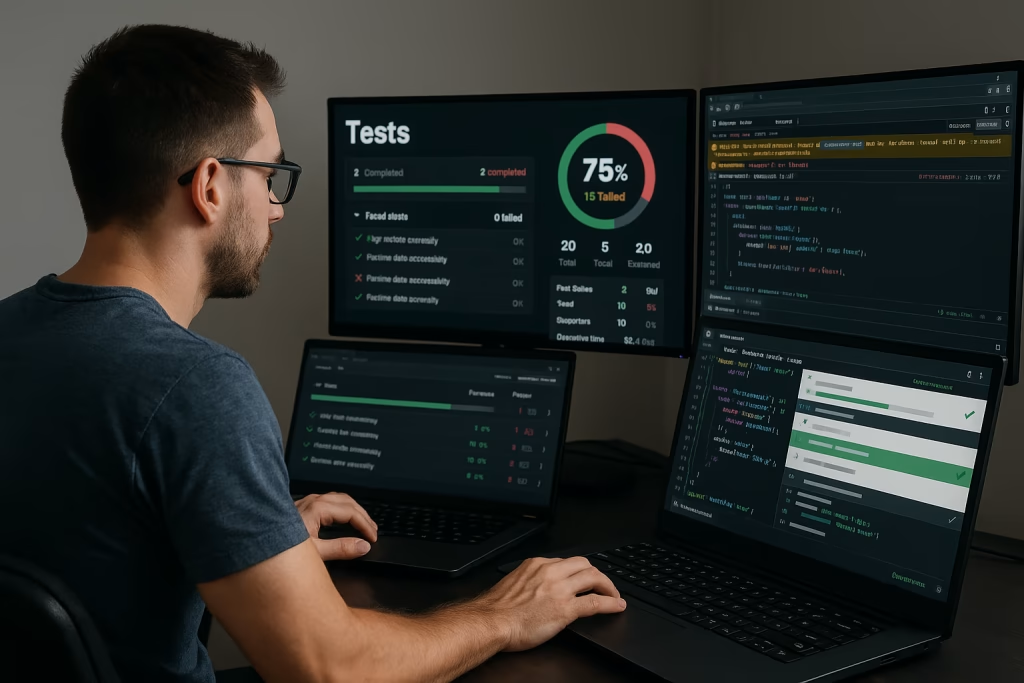
While debugging deals with fixing existing issues, testing focuses on preventing new ones. Testing ensures that every feature works as intended before it reaches users. In frontend development, testing involves multiple layers, from verifying small functions to validating complete user flows.
Types of Frontend Testing
Unit Testing:
Tests individual pieces of code (like a JavaScript function or React component). Tools like Jest, Mocha, and Vitest are commonly used.
Example:
test('adds numbers correctly', () => {   expect(add(2, 3)).toBe(5);
});
Integration Testing:
Verifies how different components or modules work together. For instance, ensuring a form component correctly updates a user profile.
End-to-End (E2E) Testing:
Simulates real user interactions across the entire application. Tools like Cypress, Playwright, and Selenium allow automated browser testing of full workflows like logging in or submitting a form.
Snapshot Testing:
Used in React and similar frameworks to ensure UI components don’t change unexpectedly between code updates.
Accessibility Testing:
Verifies that applications meet accessibility standards using tools like axe-core or Pa11y.
Benefits of Automated Testing
- Detect regressions early.
- Improve developer confidence before deployment.
- Save time compared to manual testing.
- Ensure consistent behavior across browsers and devices.
However, it’s important to balance automation with manual exploratory testing, especially for UI/UX elements where human judgment is crucial.
Code Review: Building Better Together
Code review is the collaborative process where developers examine each other’s code to catch errors, improve readability, and share knowledge. It’s one of the most valuable steps in a professional workflow, especially for frontend teams managing complex UI logic and styling.
Benefits of Code Review
- Error Detection: Peer review often identifies logical or stylistic issues missed by the original developer.
- Knowledge Sharing: Junior developers learn best practices by reviewing senior developers’ code and vice versa.
- Consistency: Maintains a uniform coding style across large projects.
- Security: Helps spot vulnerabilities such as unsafe data handling or XSS risks.
Effective Code Review Practices
- Keep pull requests small and focused.
- Write clear commit messages and descriptions.
- Use automated tools like ESLint and Prettier to enforce style consistency.
- Encourage constructive feedback reviews should educate, not criticize.
- Discuss improvements openly using GitHub or GitLab’s inline commenting systems.
Here’s a simple GitHub workflow for code review:
- Developer opens a Pull Request (PR).
- Teammates review the code, suggesting changes or approving it.
- Automated CI tests run in the background.
- Once approved, the code is merged into the main branch.
This structured process ensures high-quality, maintainable, and collaborative development.
The Future of Debugging, Testing, and Review
By 2025, AI and automation are revolutionizing debugging and testing. Tools like GitHub Copilot, SonarQube, and DeepCode now help detect logic errors, suggest fixes, and even generate test cases automatically. Similarly, CI/CD pipelines automatically run tests and deploy updates, reducing manual overhead and human error.
Frontend development is also embracing visual regression testing, which detects unintended UI changes pixel by pixel an essential practice in design-heavy projects.
Debugging, testing, and code review are not optional—they’re integral to delivering reliable, user-friendly, and scalable web applications. They transform coding from an individual task into a team-driven engineering discipline. A skilled frontend developer doesn’t just write code—they ensure that every line is robust, maintainable, and trustworthy.
Frontend Build Tools and Automation
As web applications grow more sophisticated, managing the workflow of a frontend project manually becomes increasingly complex. From compiling Sass into CSS, transpiling modern JavaScript, optimizing images, and bundling code to deploying updates automatically manual handling of these tasks is inefficient and prone to errors. This is why frontend build tools and automation systems have become indispensable in modern web development.
In this section, we’ll explore what these tools are, why they matter, and how they streamline every stage of the frontend development process.
The Evolution of Frontend Build Tools
In the early days of web development, all that was needed was a text editor and a browser. Developers wrote HTML, CSS, and JavaScript directly in separate files, linked them, and loaded them in the browser. But as websites evolved into complex, interactive web applications with modular components and multiple dependencies, developers needed a way to automate repetitive tasks.
The evolution went like this:
- Early 2010s: Tools like Grunt and Gulp introduced task runners to automate actions such as minification, linting, and compilation.
- Mid 2010s: Webpack revolutionized frontend development by introducing module bundling and dependency management.
- Late 2010s to Present: Lightweight, lightning-fast bundlers and build systems like Vite, Parcel, Snowpack, and esbuild emerged optimized for modern JavaScript frameworks and instant reloading.
By 2025, build automation isn’t optional it’s the foundation of an efficient, scalable, and maintainable frontend workflow.
Why Build Tools Matter
Frontend build tools are designed to automate, optimize, and streamline repetitive tasks in the development pipeline. Their primary goals are:
- Improved Productivity: Automate tasks like compiling Sass, optimizing images, or refreshing the browser after saving changes.
- Performance Optimization: Reduce file sizes by minifying, compressing, and caching assets for faster load times.
- Consistency and Reliability: Ensure code quality with linting and unit testing integrated into the build process.
- Modular Development: Allow developers to split code into modules and bundle them efficiently.
- Compatibility: Transpile modern JavaScript (ES6+) to support older browsers using tools like Babel.
Key Frontend Build Tools and Their Roles
1. Task Runners
Task runners like Gulp and npm scripts automate routine development operations. For instance:
- Compiling SCSS to CSS
- Running local servers
- Watching for file changes
- Minifying assets
Example: Gulp Task for Sass Compilation
const gulp = require('gulp');
const sass = require('gulp-sass')(require('sass'));

gulp.task('styles', () => {
  return gulp.src('src/scss/**/*.scss')
    .pipe(sass({ outputStyle: 'compressed' }))
    .pipe(gulp.dest('dist/css'));
});
Gulp executes this pipeline automatically, saving time and ensuring consistency.
2. Module Bundlers
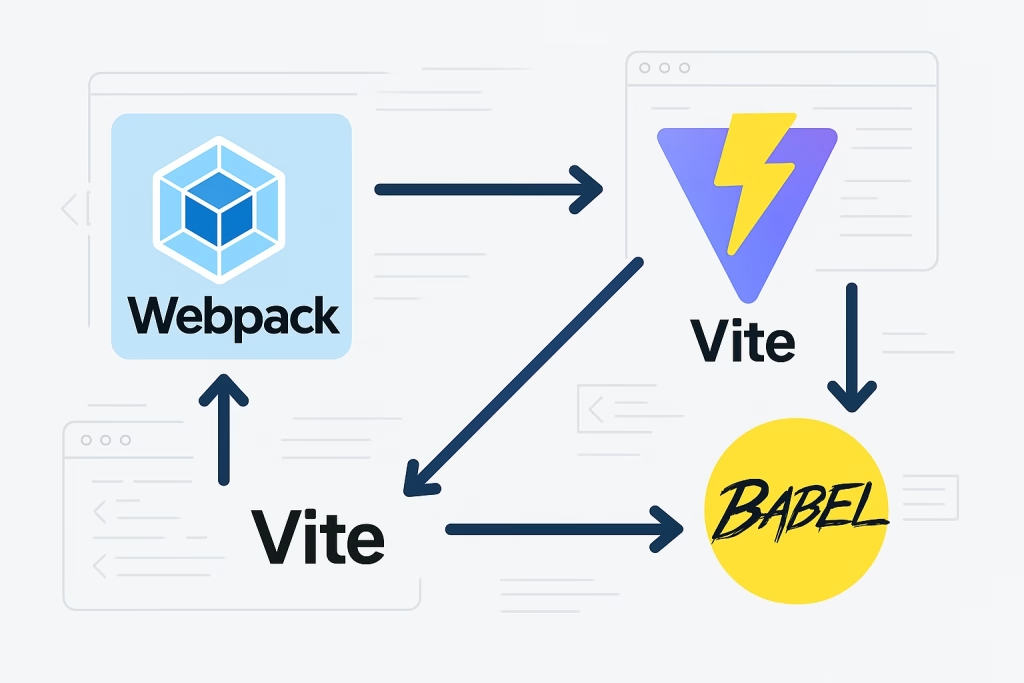
Webpack, Parcel, and Vite bundle multiple modules (JavaScript, CSS, images, fonts) into optimized files ready for deployment. They also handle dependency resolution, ensuring only necessary code is included.
- Webpack: Highly configurable and used in large-scale projects.
- Parcel: Zero-configuration bundler with built-in optimizations.
- Vite: Modern, ultra-fast bundler leveraging ES modules and native browser capabilities.
Example: Vite Advantages
- Instant Hot Module Replacement (HMR)
- Native ES module support
- Built-in TypeScript and JSX support
- Lightning-fast development servers
These tools drastically reduce setup complexity and loading times, enhancing both developer experience and app performance.
3. Transpilers
Modern JavaScript syntax (like ES2021 features) may not work on all browsers. Transpilers like Babel convert this code into backward-compatible versions. For example:
// Modern code
const greet = (name) => `Hello, ${name}!`;

// Transpiled output (for older browsers)
"use strict";
var greet = function greet(name) {
  return "Hello, " + name + "!";
};
Babel ensures code works universally while allowing developers to use the latest language features.
4. Linters and Formatters
Tools like ESLint, Prettier, and Stylelint enforce coding standards and formatting rules. They help maintain readability, prevent common errors, and ensure uniformity across the team.
A sample ESLint configuration might include:
{
  "extends": ["eslint:recommended", "plugin:react/recommended"],
  "rules": {
    "semi": ["error", "always"],
    "quotes": ["error", "double"]
  }
}
Automated linting can even run before commits, preventing bad code from entering the repository.
5. Package Managers
Every modern project depends on external libraries. Tools like npm (Node Package Manager), Yarn, and pnpm manage these dependencies efficiently. They:
- Install packages (
npm install react) - Track versions in
package.json - Ensure reproducible builds with lock files
With package managers, setting up a new project environment becomes as simple as one command.
Automation with CI/CD Pipelines
Build tools become even more powerful when integrated into Continuous Integration and Continuous Deployment (CI/CD) pipelines. Services like GitHub Actions, GitLab CI, and CircleCI automatically:
- Run tests after each commit.
- Lint and build the project.
- Deploy to staging or production environments.
This ensures that code changes are always tested, optimized, and production-ready, eliminating human error from deployment processes.
The Future: AI and Zero-Config Builds
By 2025, frontend automation is reaching new heights. AI-powered build tools like Rome and Turbopack can auto-detect project configurations, optimize builds in real time, and predict bottlenecks. These innovations drastically reduce setup time while improving performance metrics.
Additionally, serverless build pipelines and cloud-native environments are becoming the norm, offering real-time collaboration and faster deployment cycles.
Frontend build tools and automation have revolutionized the way developers write, optimize, and deploy code. They eliminate tedious manual work, reduce errors, and boost efficiency—allowing developers to focus on creativity and problem-solving.
A proficient frontend developer doesn’t just code; they architect efficient workflows that ensure consistency, speed, and scalability. In the modern development ecosystem, mastery of build automation is what truly elevates a developer from coder to craftsman.
Best Practices for Frontend Architecture
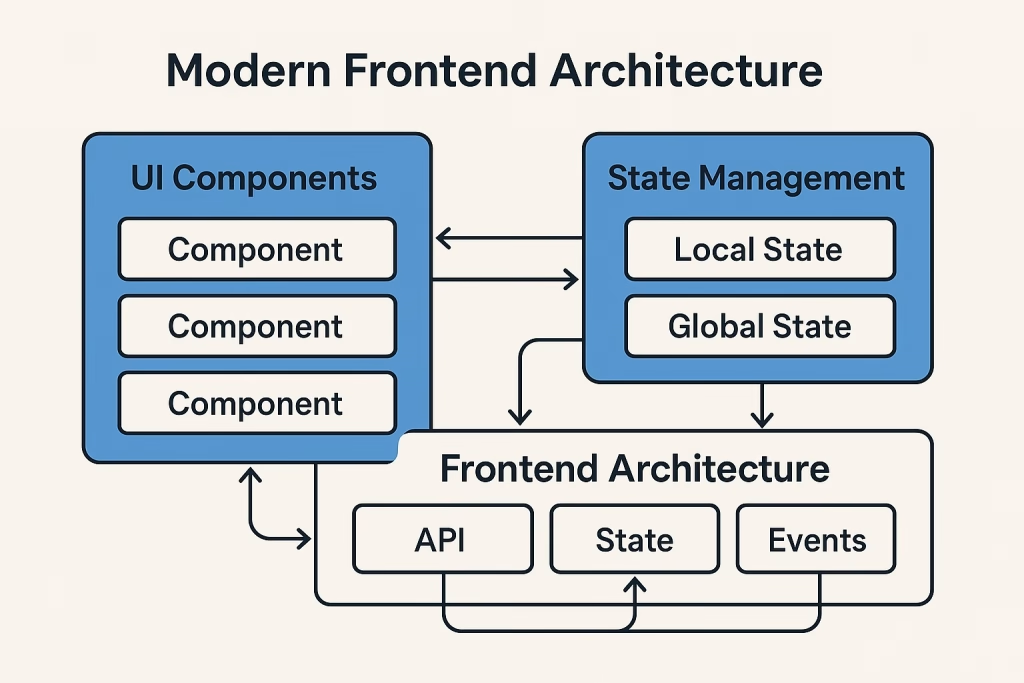
As modern web applications continue to expand in complexity, maintaining an organized, scalable, and efficient frontend architecture has become crucial. The structure and design patterns used in your frontend codebase directly affect performance, maintainability, and developer productivity. For a frontend developer, understanding best practices in architecture is the key to building resilient, modular, and future-proof projects.
What Is Frontend Architecture?
Frontend architecture refers to the strategic organization of code, files, and frameworks in a web application to ensure it remains scalable, maintainable, and easy to extend. It’s like the blueprint for a building defining how the different parts of your project fit together and interact.
A strong architecture helps teams:
- Avoid code duplication and conflicts.
- Improve collaboration among multiple developers.
- Simplify debugging and testing.
- Optimize performance and scalability.
In essence, good architecture allows you to grow a project without introducing chaos or technical debt.
Core Principles of Frontend Architecture
The following principles guide developers in crafting a robust and maintainable frontend architecture:
- Separation of Concerns (SoC):
Divide your application into distinct sections based on functionality. For instance:- HTML for structure
- CSS for presentation
- JavaScript for logic
This concept extends into frameworks like React and Angular, where each component handles its own logic, style, and markup in an isolated scope.
- Component-Based Design:
Components are the building blocks of modern frontend architecture. Each component should be reusable, independent, and easy to test. For example, a “Button” component should function consistently across multiple pages without rewriting its code. - Single Responsibility Principle (SRP):
Every component, function, or module should serve one clear purpose. Mixing multiple concerns (e.g., handling logic, styling, and data fetching in one file) leads to messy, hard-to-maintain code. - Consistency:
Use consistent naming conventions, file structures, and coding styles throughout the project. Consistency helps new developers onboard quickly and reduces confusion. - Scalability:
Design your architecture to handle growth—whether that means more features, users, or developers. This involves modularity, lazy loading, and clean state management.
Recommended Folder and File Structure
A well-organized project directory ensures maintainability and readability. Below is an example of a modern React or Vue project structure:
src/
├── assets/
│   ├── images/
│   └── styles/
├── components/
│   ├── Button/
│   │   ├── Button.jsx
│   │   └── Button.css
│   └── Navbar/
│       ├── Navbar.jsx
│       └── Navbar.css
├── hooks/
├── pages/
│   ├── Home.jsx
│   ├── About.jsx
│   └── Contact.jsx
├── context/
├── utils/
│   ├── helpers.js
│   └── api.js
├── App.jsx
└── index.js
This modular approach ensures every part of the app is self-contained and easy to locate, refactor, or extend.
State Management Best Practices
State management is one of the most challenging parts of frontend development. As applications grow, managing shared data across components becomes complex.
Best practices for state management include:
- Use local state for small, isolated changes (like form inputs).
- Use global state libraries (like Redux, MobX, or Zustand) only when necessary.
- Keep your state structure simple avoids deeply nested objects.
- Centralize logic related to data fetching, caching, and mutation.
- Prefer modern tools like React Query, Zustand, or Recoil for managing server state efficiently.
Performance Optimization
A well-architected frontend doesn’t just look clean it performs well. Performance optimization should be built into your architecture from day one.
Techniques include:
- Code splitting and lazy loading to reduce initial bundle size.
- Using image optimization and responsive formats (e.g., WebP, AVIF).
- Caching static assets with service workers.
- Minifying CSS and JavaScript files.
- Avoiding unnecessary re-renders with memoization (
React.memo,useMemo, etc.). - Leveraging a Content Delivery Network (CDN) for static assets.
Tools like Lighthouse, Webpack Bundle Analyzer, and React Profiler help identify and fix performance bottlenecks.
Styling Architecture and Methodologies
CSS can quickly become unmanageable in large applications if not properly organized. Adopting a styling methodology ensures consistency and maintainability.
Popular approaches include:
BEM (Block Element Modifier): Encourages modular CSS naming.
.card__title--highlighted { color: #ff6600; }CSS Modules: Automatically scope styles to components
Styled Components: Use JavaScript to define dynamic, reusable styles.
Tailwind CSS: Utility-first framework that simplifies rapid UI development.
Whichever approach you choose, the goal remains the same predictable, scalable styling that avoids global conflicts.
Code Quality and Maintainability
Maintaining clean, high-quality code ensures long-term project success.
Best practices include:
- Follow a consistent linting and formatting setup (ESLint + Prettier).
- Write meaningful commit messages (e.g.,
fix: align header text on mobile). - Document components and functions clearly.
- Write modular, testable code with unit and integration tests.
- Avoid unnecessary dependencies to reduce bundle bloat.
Code reviews are also critical. Peer reviews ensure that each piece of code meets quality standards and fits the architectural vision.
Security Considerations
Security must always be a part of frontend architecture. Common measures include:
- Escaping dynamic content to prevent Cross-Site Scripting (XSS).
- Using HTTPS and secure cookies.
- Validating user input both client- and server-side.
- Avoiding inline JavaScript and CSS.
- Keeping dependencies up to date with tools like Dependabot or npm audit.
A secure architecture protects not only the application but also user data and trust.
The Future of Frontend Architecture
By 2025, frontend architecture is becoming more modular, cloud-driven, and AI-assisted. Microfrontend architectures allow teams to build independent modules that integrate into a larger system ideal for enterprise-scale applications. Meanwhile, frameworks like Next.js, Nuxt.js, and SvelteKit merge frontend and backend logic for full-stack flexibility.
AI tools now assist developers in refactoring, dependency management, and detecting performance issues automatically, revolutionizing how teams build and maintain web applications.
A solid frontend architecture is more than just file organization it’s a philosophy of maintainability, scalability, and performance. By following best practices like modular design, consistent coding, and automation integration, frontend developers can create robust systems that stand the test of time. The best developers don’t just code they design digital systems built for the future.
Continuous Learning and Staying Updated
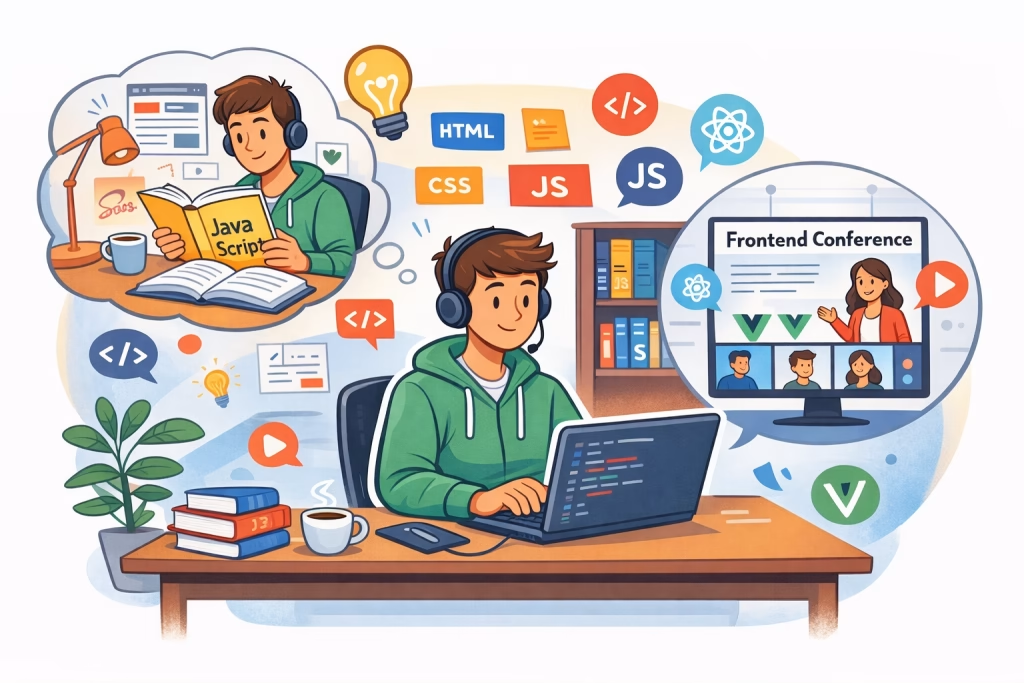
In the ever-evolving world of technology, being a frontend developer means being a lifelong learner. The tools, languages, and frameworks that define the frontend landscape today may be outdated in just a few years. To remain relevant and competitive, developers must embrace continuous learning, community engagement, and adaptability as core career principles.
The Fast-Paced Evolution of Frontend Development
Frontend development is one of the most rapidly changing areas in the tech industry. Over the past decade, we’ve seen transitions from jQuery to React, from CSS floats to Flexbox and Grid, and from monolithic architectures to micro frontends. Tools like Vite, Next.js, and SvelteKit have emerged to replace older build systems, each iteration aiming for better performance and developer experience.
This fast-paced evolution can feel overwhelming, but it also brings endless opportunities for innovation. The key for developers is not to learn every new technology, but to build strong fundamentals and adopt a mindset of curiosity and exploration.
Core Areas to Continuously Improve
To remain relevant, frontend developers should focus their learning on four main pillars: fundamentals, frameworks, tooling, and soft skills.
1. Master the Fundamentals
Even as new frameworks appear, the core technologies HTML, CSS, and JavaScript remain the foundation. A deep understanding of these ensures adaptability, regardless of new trends.
- Learn modern HTML5 semantics for accessibility and SEO.
- Explore advanced CSS concepts like Grid, Flexbox, and animations.
- Stay updated with new ECMAScript (ES) features and JavaScript design patterns.
Frameworks may change, but strong fundamentals never go out of style.
2. Explore Modern Frameworks and Libraries
Familiarize yourself with at least one major JavaScript framework such as React, Angular, or Vue.js. However, also keep an eye on emerging tools like Svelte, SolidJS, and Qwik, which offer innovative approaches to performance and rendering.
Additionally, mastering meta-frameworks (like Next.js or Nuxt.js) helps bridge the gap between frontend and backend, expanding your full-stack capabilities.
3. Learn Build Tools and DevOps
Modern frontend developers must understand how their code reaches production. Tools like Webpack, Vite, and Babel streamline builds, while GitHub Actions or GitLab CI automate testing and deployment. Knowing Docker, CI/CD pipelines, and cloud deployment adds immense value to your skill set.
4. Develop Soft Skills and Collaboration
Technical proficiency alone isn’t enough. Frontend developers must also communicate effectively with designers, backend engineers, and stakeholders. Skills like problem-solving, teamwork, and empathy are crucial in building great user experiences.
Effective Strategies for Continuous Learning
1. Set Learning Goals
Establish structured learning goals. For instance:
- Master React hooks in one month.
- Learn TypeScript within two weeks.
- Build a side project using a new framework every quarter.
Breaking learning into achievable milestones ensures consistent progress.
2. Follow Trusted Resources
Stay connected with the global developer community through reputable sources:
- Blogs & Platforms: CSS-Tricks, Smashing Magazine, DEV.to, Hashnode, FreeCodeCamp, and Medium.
- Newsletters: Frontend Focus, JavaScript Weekly, and UI Dev Newsletter.
- Podcasts: Syntax.fm, The CSS Podcast, and ShopTalk Show.
- YouTube Channels: Fireship, Traversy Media, and Kevin Powell.
These resources provide timely updates on new releases, tutorials, and best practices.
3. Build and Share Projects
Practical application reinforces learning. Regularly build small projects or clone popular websites to test new concepts. Share your work on GitHub, write articles, or create tutorials teaching others is one of the fastest ways to master a skill yourself.
4. Participate in Open Source
Contributing to open-source projects enhances collaboration skills, exposes you to real-world codebases, and connects you with experienced developers. Platforms like GitHub and Open Source Friday make it easy to start small and grow over time.
5. Attend Conferences and Meetups
Engage with the community through conferences such as JSConf, React Summit, and Frontend Nation. Local or virtual meetups also offer valuable networking and mentorship opportunities. Hearing from experts broadens your perspective and keeps your motivation high.
6. Embrace Lifelong Learning Platforms
Online education platforms like Udemy, Pluralsight, Frontend Masters, and Scrimba offer courses taught by industry experts. These resources allow you to learn at your own pace and stay ahead of technological shifts.
Mindset: Adaptability and Growth
The best frontend developers embrace a growth mindset they see challenges as opportunities to learn rather than obstacles. When a new framework or tool emerges, they don’t resist change but analyze its purpose and potential benefits.
Here’s how to maintain a forward-thinking mindset:
- Be open to unlearning outdated practices.
- Experiment with new tools in personal projects before production.
- Stay curious ask “why” something works, not just “how.”
- Reflect regularly on your progress and set new challenges.
Remember, every expert developer was once a beginner who stayed curious and consistent.
The Role of AI and Automation in Learning
In 2025 and beyond, AI-driven learning assistants like ChatGPT, GitHub Copilot, and Tabnine have revolutionized how developers learn and code. These tools can explain complex concepts, generate boilerplate code, and even suggest optimizations in real-time.
While they enhance productivity, the key is to use them as guides, not crutches. True learning still requires understanding the “why” behind the code. Developers who combine AI-assisted efficiency with strong fundamentals will dominate the next generation of web development.
Continuous learning isn’t a choice it’s a necessity in frontend development. The landscape evolves rapidly, but the rewards for staying updated are immense: better job opportunities, higher salaries, and personal growth.
By committing to constant improvement, engaging with the community, and embracing change, frontend developers can future-proof their careers and remain innovators in an ever-changing digital world.
Frontend Developer Career Path and Salary Insights
Becoming a frontend developer is one of the most rewarding and future-proof career choices in technology. As businesses continue to prioritize digital transformation and user experience, the demand for skilled frontend professionals continues to surge globally. But what does the career journey look like? How much can you earn? And what does it take to climb the ladder from beginner to expert? Let’s explore.
Understanding the Frontend Developer Role
A frontend developer is responsible for building the visual and interactive layer of web applications everything that users see and interact with. This includes:
- Designing and implementing responsive interfaces.
- Ensuring accessibility and performance.
- Collaborating with designers and backend developers.
- Testing and debugging web applications.
The role requires a mix of technical expertise, creativity, and user empathy blending the logic of programming with the art of design.
Modern frontend developers must be fluent in HTML, CSS, and JavaScript, along with frameworks like React, Angular, or Vue.js. Additionally, knowledge of version control, testing, and performance optimization is critical for success.
Career Path of a Frontend Developer
The frontend development career path can be broken down into several stages, each building upon the previous in terms of skills, responsibility, and salary.
1. Junior Frontend Developer (Entry-Level)
Experience: 0–2 years
Focus: Learning core technologies and project fundamentals.
Skills:
- Proficiency in HTML, CSS, and basic JavaScript.
- Familiarity with responsive design.
- Basic knowledge of Git and version control.
- Understanding of accessibility and cross-browser compatibility.
Typical Tasks:
- Implementing designs from mockups.
- Fixing bugs.
- Writing clean, structured CSS.
- Supporting senior developers on larger projects.
Average Salary (2025):
- United States: $55,000–$75,000 per year
- Europe: €40,000–€60,000
- India: ₹5–10 LPA
At this stage, the goal is to gain hands-on experience and understand how professional workflows operate.
2. Mid-Level Frontend Developer
Experience: 2–5 years
Focus: Developing interactive features and optimizing performance.
Skills:
- Advanced JavaScript (ES6+).
- Experience with one or more frameworks (React, Angular, Vue).
- Knowledge of REST APIs, JSON, and asynchronous programming.
- Proficiency in build tools (Webpack, Vite, or Parcel).
- Ability to conduct code reviews and mentor juniors.
Typical Tasks:
- Building and maintaining modular, reusable components.
- Implementing responsive layouts and animations.
- Collaborating with backend teams for API integration.
- Handling deployment processes and debugging.
Average Salary (2025):
- United States: $80,000–$110,000
- Europe: €55,000–€75,000
- India: ₹10–20 LPA
This stage focuses on mastering frameworks, improving problem-solving skills, and contributing to the overall architecture.
3. Senior Frontend Developer
Experience: 5–8 years
Focus: Architecture design, performance, and leadership.
Skills:
- Deep understanding of JavaScript frameworks and state management.
- Expertise in performance optimization and security.
- Proficiency with CI/CD pipelines and testing frameworks.
- Leadership and mentorship capabilities.
- Strategic collaboration with UI/UX and backend teams.
Typical Tasks:
- Leading frontend teams.
- Reviewing code and setting coding standards.
- Designing scalable, maintainable architectures.
- Integrating automation and deployment strategies.
Average Salary (2025):
- United States: $110,000–$150,000+
- Europe: €70,000–€100,000
- India: ₹20–35 LPA
Senior developers often take on mentoring roles and influence technical decisions within projects.
4. Frontend Architect / Lead Engineer
Experience: 8+ years
Focus: System-level architecture and technology strategy.
Skills:
- Expertise in multiple frameworks and ecosystems.
- Strong grasp of microfrontend architecture.
- Knowledge of web security, scalability, and optimization.
- Experience with cloud services (AWS, Azure, GCP).
- Leadership in technical planning and cross-team collaboration.
Typical Tasks:
- Designing frontend systems for scalability and reusability.
- Defining technical roadmaps and frameworks.
- Mentoring senior developers.
- Collaborating with DevOps for build automation and CI/CD.
Average Salary (2025):
- United States: $140,000–$180,000+
- Europe: €90,000–€130,000
- India: ₹30–50 LPA
At this level, developers transition from coding to technical leadership, influencing product and architectural decisions at the company level.
Alternative Career Paths
Frontend developers can also branch into specialized or managerial roles depending on their interests:
- UI/UX Engineer – Focuses on bridging design and development with a user-centered approach.
- Full-Stack Developer – Expands skills to backend technologies like Node.js or Python.
- Web Performance Engineer – Optimizes load times, rendering speed, and overall performance.
- Technical Lead / Engineering Manager – Oversees teams, workflows, and project delivery.
- Product Designer / Developer Advocate – Combines technical knowledge with communication or creative expertise.
These paths allow developers to diversify their expertise while maintaining their core frontend skills.
Global Salary Trends and Demand
The demand for frontend developers continues to rise, especially as companies prioritize progressive web apps (PWAs), mobile responsiveness, and accessibility. The U.S. Bureau of Labor Statistics projects a 25% increase in web developer employment by 2030 significantly higher than the average for all occupations.
Remote work has also opened global opportunities. Skilled frontend developers can work for international clients, often earning salaries competitive with local markets in the U.S. and Europe.
Top industries hiring frontend developers include:
- Fintech and eCommerce
- SaaS and Cloud Solutions
- Healthcare and Education Technology
- Media and Entertainment
- AI and Data Analytics Platforms
Skills That Boost Earning Potential
To stand out and command higher salaries, focus on these in-demand skills:
- React.js, Next.js, and TypeScript for scalable applications.
- Accessibility (WCAG) compliance and best practices.
- Performance optimization for faster load times.
- Testing frameworks like Jest, Cypress, and Playwright.
- Design systems and UI libraries (Material UI, Tailwind).
- Soft skills communication, problem-solving, leadership.
The frontend development career path is dynamic and filled with growth potential. From entry-level to architectural roles, each stage offers new challenges and learning opportunities. As businesses increasingly rely on digital interfaces, skilled frontend developers are not just coders they’re creators of digital experiences.
With the right mix of technical mastery, continuous learning, and adaptability, you can build a thriving, future-proof career in frontend development.
Future of Frontend Development (AI, Web3, and Beyond)
The world of frontend development is undergoing a dramatic transformation. As we move into 2025 and beyond, cutting-edge technologies like Artificial Intelligence (AI), Web3, Augmented Reality (AR), and Virtual Reality (VR) are reshaping how developers design, code, and deliver user experiences. The traditional boundaries of web development are expanding, creating an exciting and dynamic future for frontend professionals.
Let’s explore the innovations shaping the next decade of frontend development.
1. Artificial Intelligence (AI) and Machine Learning Integration
AI is no longer a futuristic concept — it’s becoming a key player in modern web development. Frontend developers are now leveraging AI not only to build smarter applications but also to streamline their own workflows.
AI-Powered Development Tools
AI-based assistants like GitHub Copilot, ChatGPT, and Tabnine help developers write cleaner, faster, and more accurate code. They can:
- Autocomplete functions and suggest bug fixes.
- Generate boilerplate code for UI components.
- Detect performance bottlenecks.
- Provide real-time documentation and optimization advice.
By 2025, AI-assisted coding has become standard practice, allowing developers to focus on logic, creativity, and innovation rather than repetitive tasks.
AI-Enhanced User Interfaces
AI-driven frontend features such as personalized recommendations, chatbots, and adaptive UIs create highly tailored user experiences. For instance, e-commerce platforms now adjust layouts dynamically based on user behavior and preferences, thanks to machine learning algorithms integrated into frontend frameworks.
2. Web3 and Decentralized Frontends
Web3, the next evolution of the internet, is redefining how frontend applications interact with data, users, and servers. Unlike traditional centralized models, Web3 emphasizes blockchain technology, smart contracts, and decentralized networks.
Frontend in the Web3 Ecosystem
Frontend developers now build decentralized applications (dApps) that interact with blockchains like Ethereum, Polygon, or Solana using Web3.js or Ethers.js. Instead of connecting to centralized APIs, dApps communicate directly with blockchain nodes or decentralized storage solutions (e.g., IPFS).
For example:
import { ethers } from "ethers";

async function connectWallet() {
  if (window.ethereum) {
    await window.ethereum.request({ method: 'eth_requestAccounts' });
    const provider = new ethers.BrowserProvider(window.ethereum);
    const signer = await provider.getSigner();
    console.log('Wallet connected:', await signer.getAddress());
  }
}
Web3 frontends prioritize user ownership, data transparency, and security, fundamentally altering how developers think about authentication and storage.
NFTs and Digital Ownership
Frontend developers also play a crucial role in creating NFT marketplaces, tokenized membership systems, and blockchain dashboards interfaces that make decentralized technology accessible to everyday users.
3. The Rise of WebAssembly (WASM)
WebAssembly (WASM) is revolutionizing performance in web applications. It enables developers to run compiled languages like C++, Rust, or Go in the browser at near-native speed. This opens the door for complex applications like video editors, games, and 3D modeling tools to run seamlessly on the web.
Frontend developers increasingly integrate WASM into React, Angular, or Vue projects for compute-intensive tasks, drastically improving efficiency. The combination of JavaScript + WASM is becoming the new standard for high-performance frontend applications.
4. Extended Reality (AR/VR) and the 3D Web
The metaverse era has propelled web developers into new dimension literally. Frontend technologies are now incorporating immersive experiences through AR and VR.
Frameworks like Three.js, A-Frame, and Babylon.js allow developers to create 3D environments and interactive simulations directly in the browser. For example:
- E-commerce platforms use AR to let customers “try on” products virtually.
- Education and training applications utilize VR for immersive learning experiences.
- Entertainment and gaming industries use WebXR APIs to blend physical and virtual worlds.
In 2025, spatial web development is becoming a mainstream skill, requiring frontend developers to think beyond screens and embrace 3D interaction design.
5. Low-Code and No-Code Frontend Platforms
While traditional coding remains vital, low-code and no-code tools like Webflow, Framer, and Bubble are empowering non-developers to create fully functional websites and prototypes. However, instead of replacing developers, these platforms are becoming collaborative tools that speed up development cycles.
Frontend developers now focus on:
- Custom integrations.
- API development.
- Advanced UI components that no-code users can reuse.
This hybrid approach bridges the gap between creativity and engineering, making frontend development more accessible and efficient.
6. The Green Web Movement: Sustainable Frontend Development
With rising awareness of digital carbon footprints, developers are embracing sustainable web development practices. This includes:
- Optimizing code and images to reduce data transfer.
- Implementing efficient caching and lazy loading.
- Using green hosting providers powered by renewable energy.
- Designing lightweight websites with lower resource consumption.
Eco-friendly web design isn’t just ethical it also enhances performance and user satisfaction.
7. Quantum and Edge Computing
Though still emerging, edge computing and quantum technologies are influencing frontend development. Edge computing brings processing closer to users, reducing latency and improving app responsiveness. Frontend frameworks are beginning to integrate with edge platforms like Cloudflare Workers and Netlify Edge Functions, enabling instant, localized experiences.
Quantum computing, on the other hand, is laying the groundwork for future encryption and data processing methods areas frontend developers will soon need to understand to ensure compatibility and security.
8. The Convergence of AI, Web3, and 3D
The most exciting frontier lies in the convergence of technologies:
- AI creates adaptive and intelligent interfaces.
- Web3 decentralizes data ownership.
- AR/VR brings interactivity to a new dimension.
Imagine a decentralized virtual world where users own their digital assets (Web3), interact through immersive interfaces (VR), and experience personalized, AI-driven content in real time. This vision is no longer science fiction it’s the next chapter of the internet.
The future of frontend development is bold, intelligent, and immersive. Developers who embrace new technologies from AI to Web3 will lead the next generation of digital innovation. The key is not just learning new tools but understanding how they integrate to enhance user experience and global accessibility.
In this new era, frontend developers aren’t just coders they’re architects of the digital future.
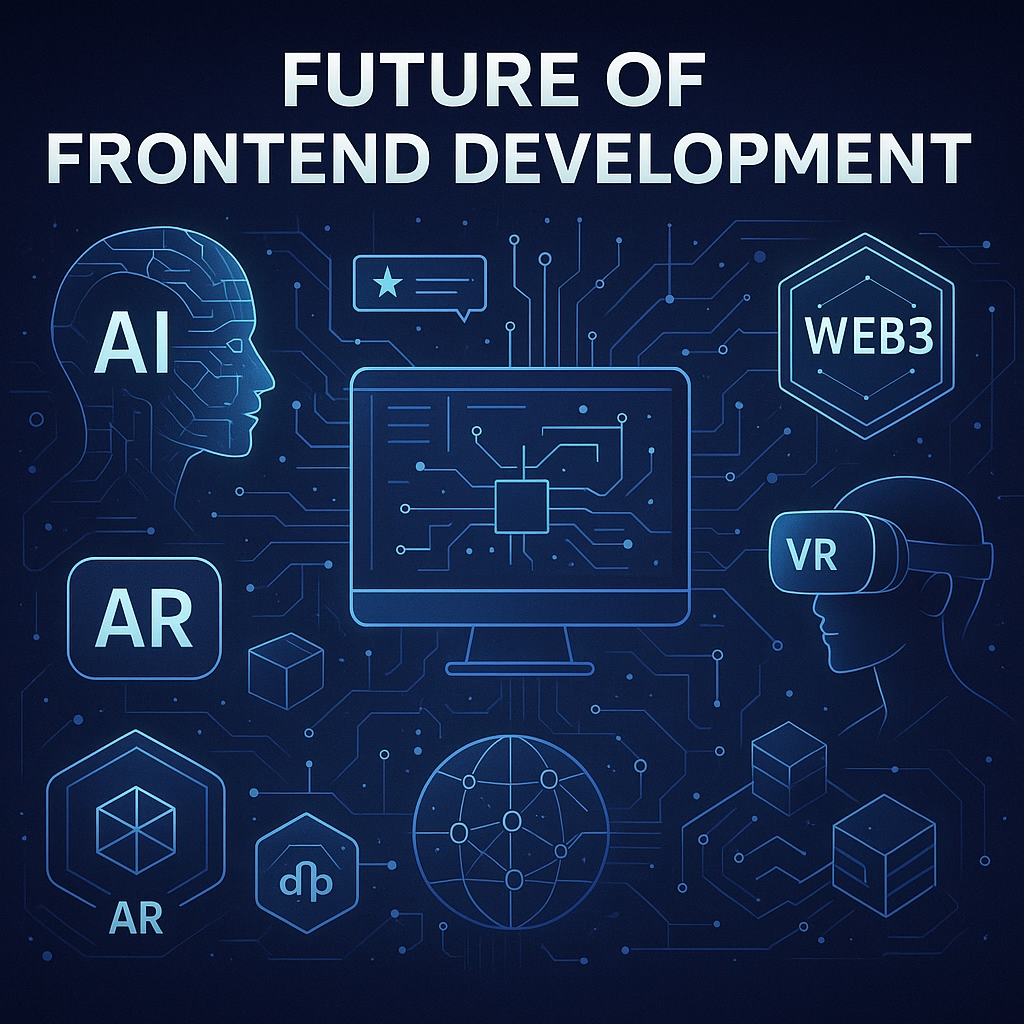
Building the Web of Tomorrow
The role of a frontend developer has never been more crucial or more exciting. As the digital world continues to expand, frontend developers are at the forefront of innovation, shaping how billions of people experience the web every single day. From the fundamentals of HTML, CSS, and JavaScript to mastering frameworks, accessibility, and performance optimization, this journey demands both creativity and technical expertise.
A great frontend developer is not just a coder they are a digital architect, a problem solver, and a user advocate. They translate ideas into seamless, engaging, and functional experiences that bridge the gap between human emotion and digital logic. Every line of code contributes to the user’s journey, and every decision from color choice to animation speed impacts usability and satisfaction.
Looking ahead, the future of frontend development will be defined by AI integration, Web3 decentralization, immersive 3D experiences, and automation. Developers who embrace these technologies while maintaining strong fundamentals will thrive in a rapidly changing landscape.
The world doesn’t just need websites anymore it needs experiences. As a frontend developer, your mission is to make those experiences accessible, beautiful, fast, and meaningful.
So keep learning, stay curious, and remember:
The web’s next revolution will be written and designed by you.
Frequently Asked Questions (FAQs) About Frontend Developers
1. What does a frontend developer do?
A frontend developer builds the visual and interactive parts of a website or web application everything users see and interact with. This includes layout design, animations, responsiveness, and ensuring cross-browser compatibility. They use technologies like HTML, CSS, and JavaScript, along with frameworks such as React, Angular, or Vue.js.
2. What skills are essential to become a frontend developer?
To become a successful frontend developer, you need:
- Proficiency in HTML, CSS, and JavaScript
- Understanding of responsive design and UI/UX principles
- Familiarity with version control systems (like Git)
- Experience with frameworks (React, Angular, Vue)
- Knowledge of performance optimization, testing, and accessibility
Soft skills like communication, problem-solving, and attention to detail are equally important.
3. How long does it take to learn frontend development?
The time it takes depends on your learning pace and background. On average:
- 3–6 months to grasp the basics (HTML, CSS, JS)
- 6–12 months to become job-ready with frameworks, APIs, and tools
Consistent practice, building projects, and contributing to open-source platforms will speed up your growth.
4. Is frontend development still in demand in 2025?
Absolutely! As digital transformation accelerates, the demand for frontend developers continues to rise across industries. With emerging fields like AI-powered UI, Web3, and immersive web apps, skilled frontend developers are more valuable than ever both in startups and enterprise-level organizations.
5. What’s the difference between frontend, backend, and full-stack development?
- Frontend Developers work on the visual and interactive parts of a website.
- Backend Developers handle databases, servers, and logic that support frontend systems.
- Full-Stack Developers manage both ends, building complete, integrated solutions.
6. How much can a frontend developer earn?
Salaries vary depending on experience, location, and expertise:
- Entry-Level: $55,000–$75,000 (US)
- Mid-Level: $80,000–$110,000
- Senior-Level: $120,000+
Those specializing in high-demand frameworks or emerging tech like Next.js, TypeScript, or Web3 can command even higher salaries.
7. What tools do frontend developers use daily?
Common tools include:
- Code Editors: Visual Studio Code, Sublime Text
- Version Control: Git, GitHub
- Frameworks/Libraries: React, Vue, Angular
- Design Collaboration: Figma, Adobe XD
- Build Tools: Webpack, Vite, Babel
- Testing: Jest, Cypress, Playwright
Automation and cloud deployment tools (like GitHub Actions and Netlify) are also increasingly common.
8. How can I stand out as a frontend developer in 2025?
To stand out:
- Build an impressive portfolio showcasing responsive, accessible, and creative projects.
- Stay updated with modern frameworks and tools.
- Contribute to open-source and engage in developer communities.
- Learn TypeScript, Next.js, and performance optimization techniques.
- Develop strong soft skills clear communication and collaboration make you invaluable in team settings.
9. Is frontend development hard to learn?
Frontend development can be challenging because it requires both technical logic and design sensibility. However, it’s also one of the most rewarding fields. With consistent practice, structured learning, and a problem-solving mindset, anyone can master it. The key is building real-world projects and learning from experience.
10. What is the future of frontend development?
The future of frontend development lies in:
- AI-driven user experiences
- Web3 decentralization and blockchain interfaces
- 3D and immersive web design (AR/VR)
- Automated and no-code workflows
- Enhanced accessibility and performance optimization
Developers who embrace these trends while maintaining strong fundamentals, will shape the web’s next generation.
Final Thoughts
Frontend development is a journey of continuous learning and creativity. Whether you’re just starting or already an experienced developer, the opportunities are limitless. The field rewards innovation, adaptability, and passion. The future belongs to developers who don’t just build for screens but design for human connection through code, design, and imagination.